AI Photo Restore
Restore old, blurry, scratched, or faded family photos with AI. Bring memories back to life.
Upload an old or damaged photo
Bring old photos back to life
GFPGAN model — restores faces, scratches, faded colors.
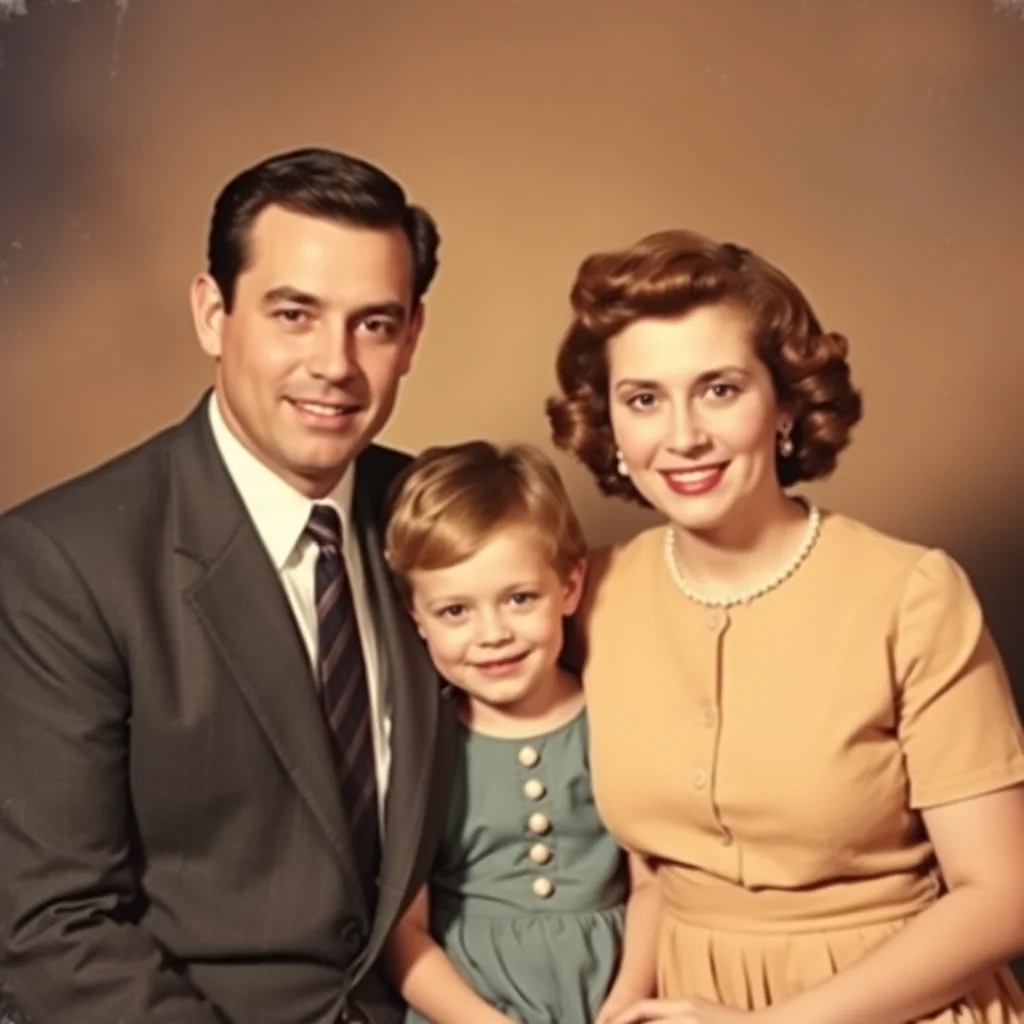

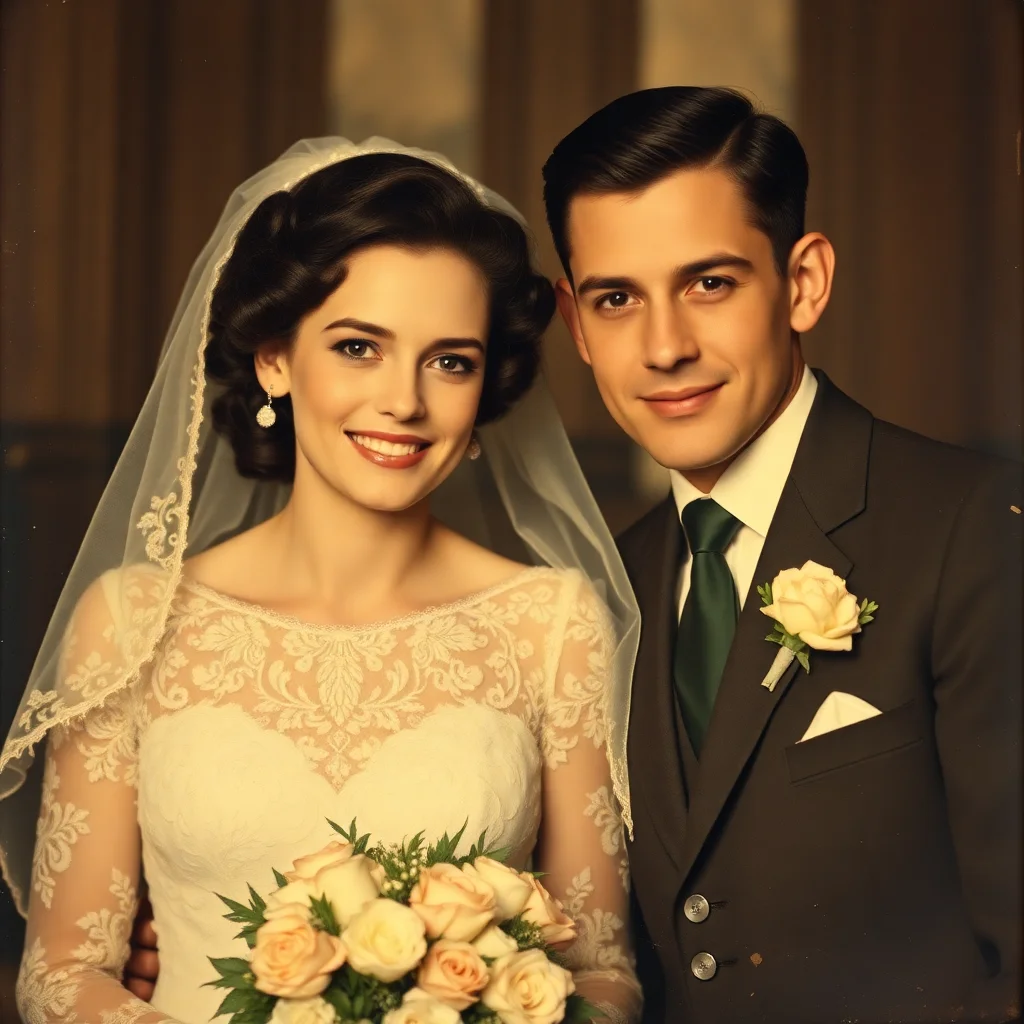
About AI Photo Restore
AI Photo Restore uses GFPGAN to repair old, damaged, blurry, and faded photos. Restore family heirloom photos, recover faces from low-quality images, fix scratches, and bring memories back to life. Perfect for digitizing photo albums, preserving historical pictures, and printing restored versions.
What Is AI Photo Restore and Why Use It?
This free online tool helps you complete tasks quickly and easily directly in your browser. No installation or registration is required.
How to Use AI Photo Restore
- 1
Open the tool and familiarize yourself with the interface.
- 2
Enter your data or upload your files as needed.
- 3
Adjust any settings or options to customize the output.
- 4
Click the action button to process your request.
- 5
Copy or download your results when ready.
Common Use Cases
Personal Projects
Use this tool for your everyday personal tasks and projects.
Work & Business
Improve productivity by using this tool for professional needs.
Education
Students and teachers can benefit from this free utility.
Development
Developers can integrate this tool into their workflow.
Tips for Best Results
- !
Make sure your input data is correct before processing.
- !
Use the tool on a modern browser for best performance.
- !
Bookmark this page for quick access in the future.
Why Use Our AI Photo Restore؟
Restore old, blurry photos
Repair faded family pictures
Face enhancement with GFPGAN
2× upscale included
High-quality PNG output
Privacy: images processed and discarded